Free QR code generator for your menu.
Paste a link to your menu, download your QR code, and stick it on your tables.
Your link stays in your browser. We never see or store it.
PNG for printing at home. SVG for a designer or print shop.
Want your QR code to take orders and payments?
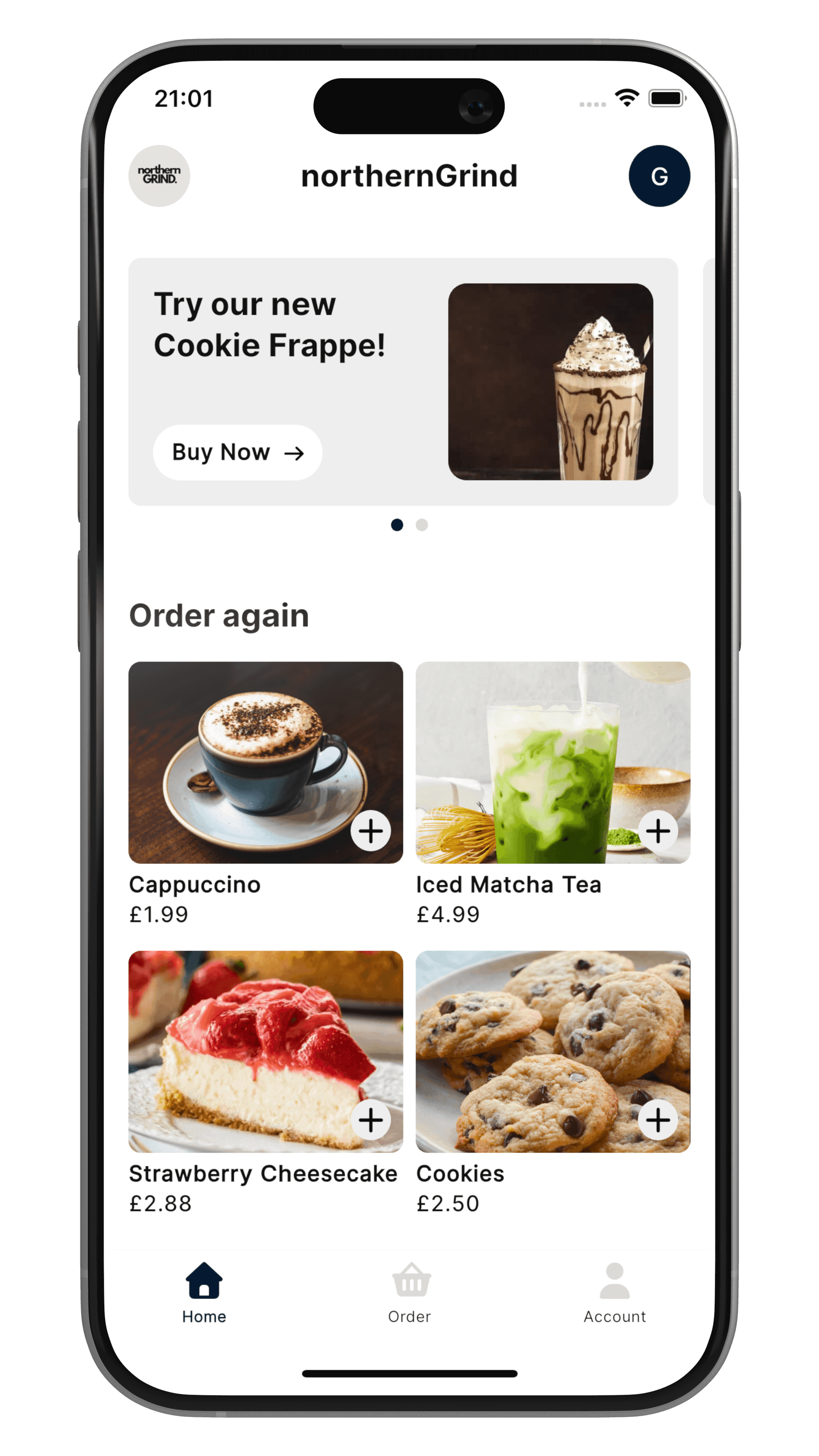
A Sizzle QR code opens your own branded ordering app. Customers scan, order, and pay, and the order is sent directly to your Square POS.
Four tips for table QR codes.
Put it where people wait
Tables, the counter, and the queue are where people have a spare minute and a phone in their hand.
Print it big enough
At least 2 cm by 2 cm, and larger for tables where people scan from a distance.
Keep it dark on light
Black on white scans best. Leave a blank border around the code and don't squash or stretch it.
Test before you print
Scan a printed copy with a couple of different phones before you order a batch of table signs.
Questions, answered.
Is the QR code generator really free?
Yes. There's no sign-up, no email needed, and no watermark. Type your link, then download your QR code as a PNG or an SVG.
Will my QR code expire?
No. The QR code contains your link directly, so it keeps working for as long as that link does. If you move or delete the page it points to, the code will stop working, so use a link you control.
What should I link to?
Your menu is the usual choice: a PDF, or a page on your website. Make sure it opens quickly on a phone, because that's where most people will scan it from.
Can I track how many people scan it?
Not with this tool. The code goes straight to your link, with nothing in between. If you want to see how many people visit that page, check the analytics on your website.
Do you store my link?
No. The QR code is made in your browser, and your link isn't sent to us or saved.
What size should I print it?
Print it at least 2 cm by 2 cm, and bigger for tables where people scan from a distance. Use dark on light, leave a blank border around it, and always test a printed copy with a couple of phones before you print a batch.
What's the difference between this and a Sizzle QR code?
This code opens a page, like your menu. A Sizzle QR code takes customers to your branded ordering app, where they can order and pay, and the order is sent directly to your Square POS.
Scan. Download. Order.
Give your customers an app that's unmistakably yours. Orders are sent directly to your Square POS, with no commission on your sales.